


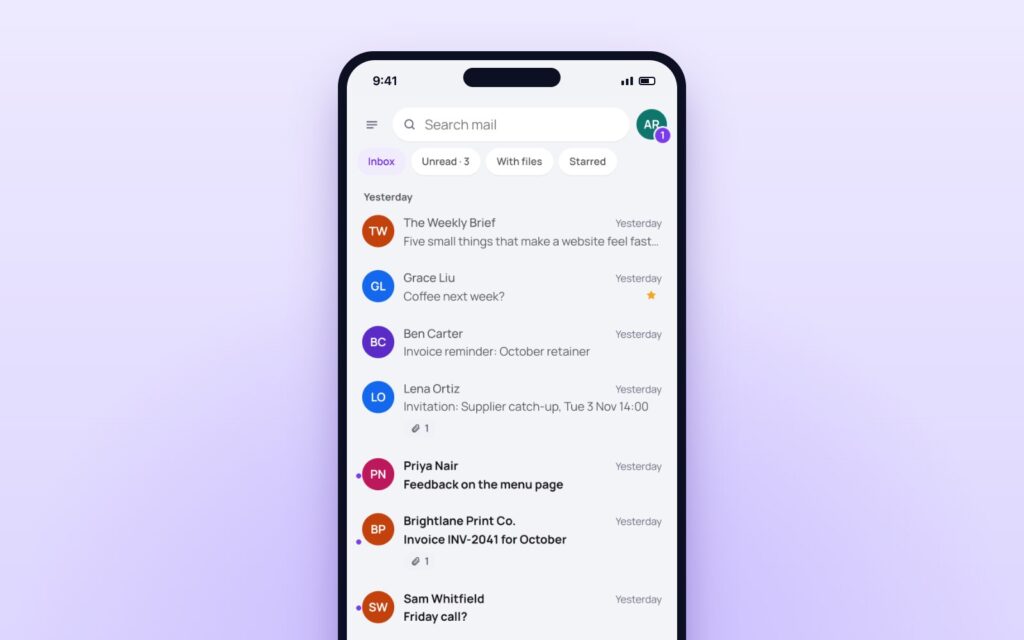
Your business email works on any phone. There are three ways to set it up, and every one of them keeps your phone and computer in step: read an email on one and it shows as read on the other.
The quickest way: the Qloudmail app
- Open app.qloudmail.com on your phone and sign in with your full email address and your email password.
- Add it to your home screen. On an iPhone use Share › Add to Home Screen; on Android, choose Install the app from Qloudmail’s menu.
- Allow notifications when asked, so you know the moment new mail arrives.
This short video shows every option in Qloudmail’s Put it on your phone box:
iPhone and iPad Mail
- On your computer, open Qloudmail, open the menu by your name and choose Put it on your phone, then pick iPhone or iPad.
- Scan the code with your iPhone’s camera. It downloads a small settings file that holds the server details, never your password.
- Open Settings, tap Profile Downloaded at the top, then Install, and enter your phone’s passcode.
- Type your email password once. Mail, Calendar and Contacts now show your business account.
If Calendar or Contacts don’t update on mobile data, check Settings › Mobile Data and make sure both are allowed, or set up on Wi-Fi.

Android
- Scan the code in Put it on your phone › Android and install the Qloudmail app. Mail, calendar and contacts are all in it, with notifications.
- Want events in your phone’s own Calendar app and people in its Contacts? Add the free DAVx⁵ app and sign in with the calendar address shown in the same box.
Outlook and any other app
Most apps, including Outlook, only need your email address: they find the settings themselves and then ask for your password. If an app asks for settings by hand, open Settings for setting up by hand in the same box and copy them across:
- Username: your full email address, like [email protected].
- Incoming mail (IMAP): the server shown in the box, port 993, SSL.
- Outgoing mail (SMTP): the same server, port 465, SSL, with the same email and password.
- Password: always your email password.

If it doesn’t work
Emails from your business landing in spam? Run your domain through our free email checker: it shows what’s missing and the exact fix.
Set up a recovery phone or email in Qloudmail too, so you can reset a forgotten password yourself at any time. Our guide Never get locked out shows how.
Need a hand?
Tell us what you’re moving or setting up, and a real person will help you through it.